Working With Modules
Enable and disable the agent's modules, from code or from the Agent Settings screen.
The Agents functionality is organized into discrete modules that can be enabled or disabled, which gives you full control over the user's experience.
Available Modules
| Module | Identifier | Purpose |
|---|---|---|
| User Tracking | user-tracking | Captures the user behavior data, which powers Cartesian's agents and analytics. |
| Recommendations | recommendations | Provides product recommendations based on the user's behavior captured by the User Tracking module, and renders the agent UI. |
These two identifiers are the only values the module:* commands accept —
anything else is rejected with Unknown module <value>.
Controlling Modules
All modules are enabled by default, but you can disable and enable them in two ways:
Enabling and Disabling Modules using the SDK
You can enable and disable modules using the SDK with this code:
// Enable a module
window.Cartesian('module:enable', 'recommendations');

// Disable a module
window.Cartesian('module:disable', 'recommendations');
Each call takes a single module, so enable or disable them one at a time:
window.Cartesian('module:enable', 'user-tracking');
window.Cartesian('module:enable', 'recommendations');
Enabling a Module While the Agent Is Stopping
module:enable mounts the module, and nothing can be mounted while the agent is
shutting down — a Cartesian('stop') call, a language change through
settings:set, or a user:login that restarts the agent. Calls made in that
window reject with Cannot start module <name> while the agent is stopping, and
the module is not enabled.
module:settings:set restarts the module to apply the new settings, so it
rejects in the same window. The settings themselves are still stored, and the
module picks them up the next time it starts.
A restart is a stop followed by a start, so a shutdown that begins while one is
under way refuses it as well: module:settings:set can reject even though you
called it before the shutdown started. The module is left stopped rather than
restarted, and modules:get no longer lists it. Enabling it again once the agent
reports stopped brings it back with the settings you stored.
Once the agent has loaded, await the call and enable the module again after the
agent reports stopped:
try {
  await window.Cartesian('module:enable', 'recommendations');
} catch (error) {
  if (window.Cartesian('status') === 'stopped') {
    // The shutdown that refused the call has finished.
    await window.Cartesian('module:enable', 'recommendations');
  } else {
    console.warn('Could not enable recommendations', error);
  }
}
If you would rather not poll the status, subscribe to the stopped event and
enable the module from there.
A call you do not await will not raise an unhandled rejection — the failure is
logged and dropped, and the module stays disabled.
Wait for the Agent to Load Before Retrying
Until the agent's JavaScript has loaded, Cartesian is the stub the install
snippet defines: it queues your call, returns undefined, and the agent replays
the queue while it starts. So a call made during page setup resolves as soon as
you await it, whatever the command does afterwards, and status returns
undefined — nothing reaches the catch above. Retry from the
ready event instead, which is triggered after the queue
has been replayed. subscribe is queued like any other call, so you can
register the handler straight from the snippet:
window.Cartesian('subscribe', 'ready', async () => {
  try {
    await window.Cartesian('module:enable', 'recommendations');
  } catch (error) {
    console.warn('Could not enable recommendations', error);
  }
});
Enabling and Disabling Modules using the Agent's Settings
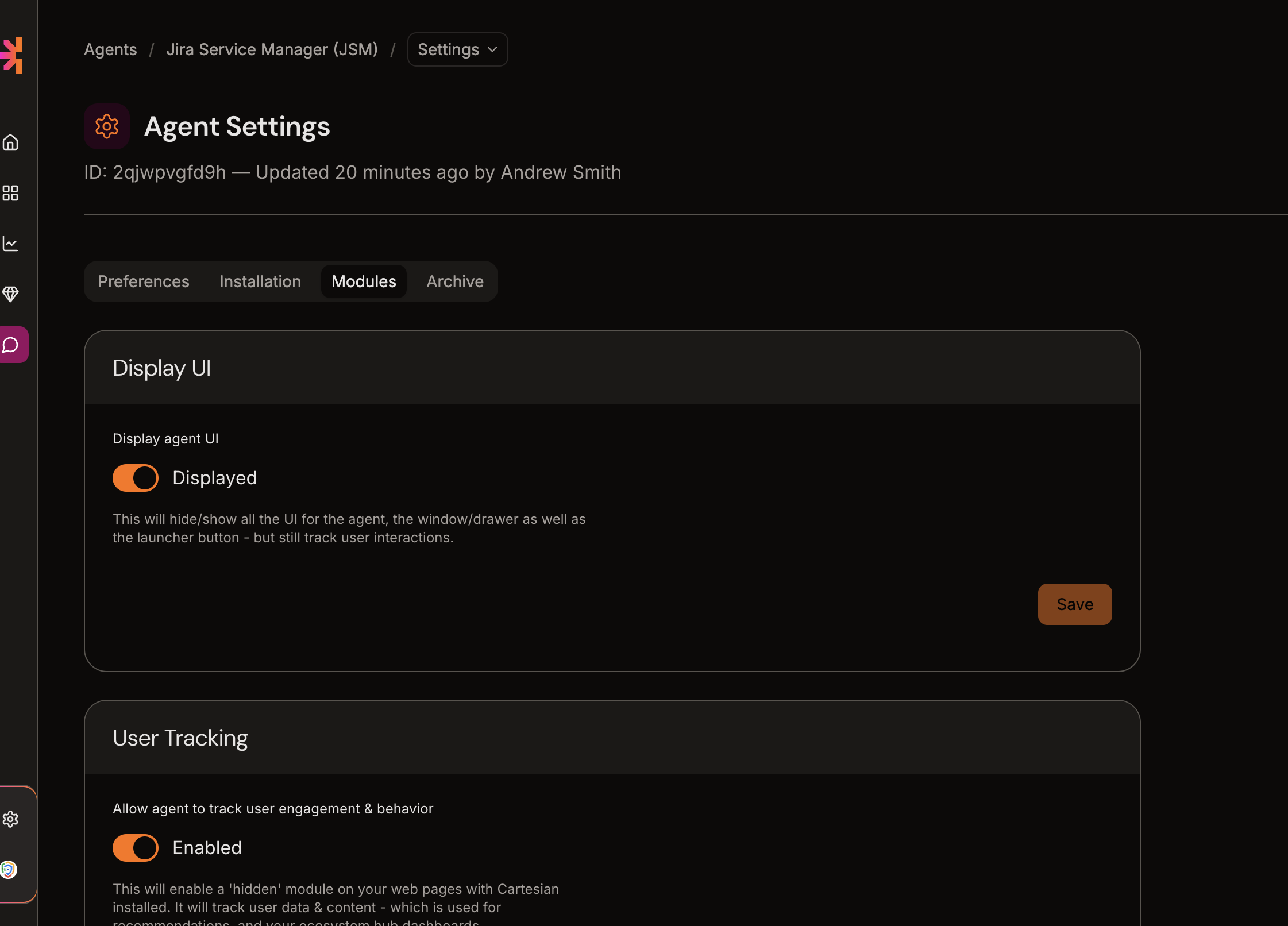
You can also enable and disable modules from the Agent Settings screen, under the Modules tab: